
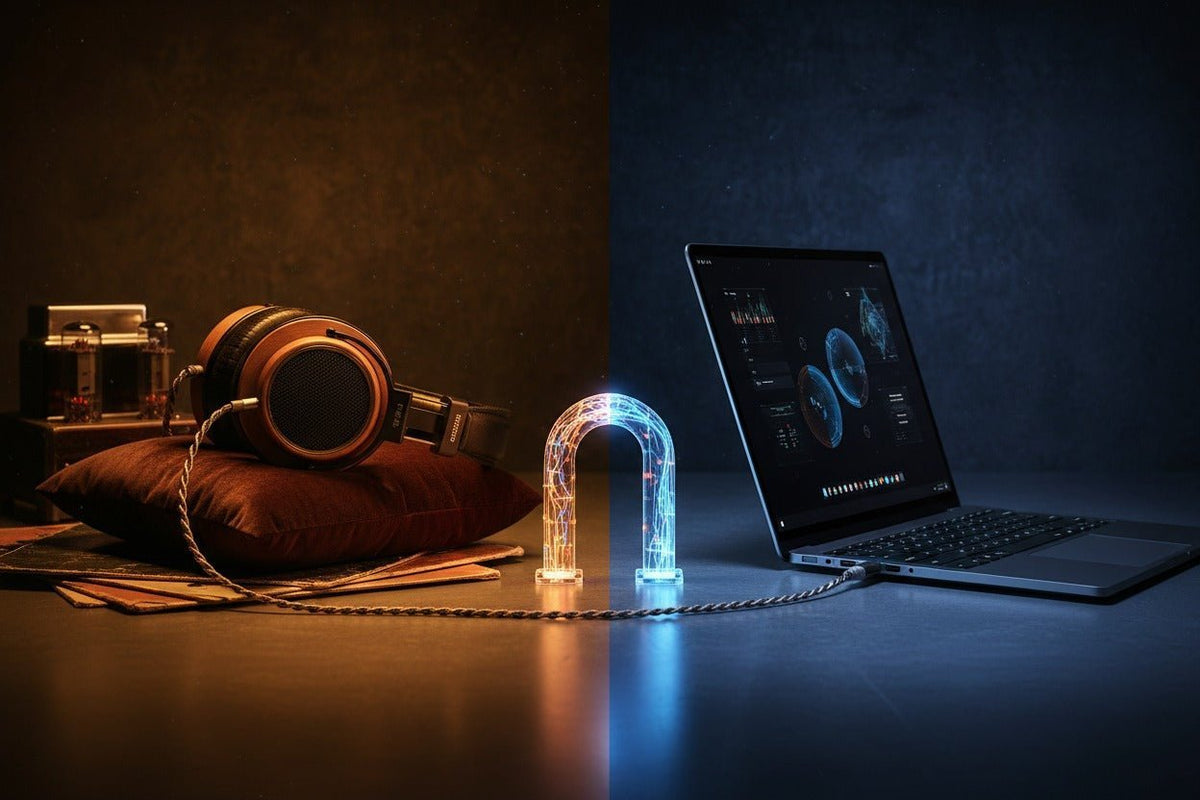
Un adaptateur casque 3,5 mm vers USB n'est pas qu'un simple convertisseur de prise. Pour une lecture normale, la partie USB transporte l'audio numérique et l'adaptateur le convertit en un signal analogique utilisable par les casques 3,5 mm. Si votre casque possède également un microphone, l'adaptateur doit prendre en charge l'entrée micro autant que la sortie audio.
Réponse rapide : Pour un ordinateur en USB-A, utilisez un adaptateur audio USB actif ou une carte son USB dotée d'un codec audio intégré. Pour l'USB-C, un adaptateur numérique actif est le choix le plus sûr, à moins que l'appareil ne prenne explicitement en charge le mode accessoire d'adaptateur audio analogique USB-C. Un casque 3,5 mm à quatre pôles nécessite également un adaptateur prenant en charge l'entrée microphone, et pas seulement la sortie casque stéréo.
Pourquoi un adaptateur jack vers USB nécessite-t-il des composants électroniques ?

Une prise casque 3,5 mm transmet de l'audio analogique, tandis qu'une connexion USB transmet normalement des données numériques. Cela signifie que le chemin de lecture doit passer par un convertisseur numérique-analogique (DAC) avant que le signal n'atteigne votre casque. De nombreux adaptateurs audio USB incluent également un petit amplificateur pour casque.
Un casque-micro ajoute une contrainte supplémentaire. Si sa prise TRRS 3,5 mm transporte un signal micro, l'adaptateur USB doit également fournir un chemin analogique-numérique pour celui-ci. Un adaptateur vendu uniquement comme « sortie casque » peut lire l'audio correctement tout en rendant le microphone inutilisable.
Windows inclut des pilotes pour les périphériques audio USB conformes ; Microsoft documente la prise en charge native de la classe audio USB, notamment l'USB Audio 2.0 dans Windows 10 version 1703 et ultérieures. Cela rend de nombreux adaptateurs conformes aux normes « plug-and-play », bien que certaines fonctionnalités spécifiques à un fabricant puissent toujours nécessiter leurs propres logiciels.
USB-A vs USB-C : choisissez l'adaptateur selon le port hôte
| Connexion hôte | Ce qu'il faut rechercher | Risque principal de compatibilité |
|---|---|---|
| USB-A | Adaptateur audio USB actif avec codec/DAC intégré | Un adaptateur physique passif ne peut pas transformer un port de données USB en sortie casque analogique |
| USB-C | Adaptateur audio USB-C actif pour une compatibilité étendue | La forme du connecteur USB-C ne garantit pas la prise en charge de tous les modes audio |
| Casque TRRS 3,5 mm | Adaptateur supportant explicitement à la fois le casque et l'entrée micro | Les dongles de sortie uniquement peuvent rendre le micro ou les commandes du casque inopérants |
L'USB-C peut transporter l'audio numérique ou, en option, l'audio analogique
La spécification USB Type-C définit un « mode accessoire d'adaptateur audio » capable d'acheminer de l'audio analogique via le matériel USB-C conçu pour le supporter. Cela ne signifie pas que tous les téléphones, tablettes, ordinateurs portables, stations d'accueil ou dongles USB-C implémentent ce mode. En cas d'incertitude sur la compatibilité, un adaptateur audio USB actif qui se présente comme un périphérique audio USB est l'option la plus prévisible.

Comment choisir le bon adaptateur audio USB
1. Déterminez si vous avez besoin d'une sortie casque seule ou d'un support complet pour casque-micro
Pour des écouteurs sans microphone, un adaptateur de sortie stéréo peut suffire. Pour un casque de centre d'appels, de jeu ou de bureau doté d'une seule prise 3,5 mm à quatre pôles, vérifiez que l'adaptateur prend également en charge l'entrée microphone. Ne supposez pas qu'une prise 3,5 mm gère automatiquement les deux sens.
2. Adaptez le connecteur à l'appareil réel
Vérifiez si l'ordinateur utilise l'USB-A, l'USB-C, une station d'accueil ou un hub. Si vous choisissez un casque filaire complet plutôt que de conserver une paire d'écouteurs analogiques existante, le guide de connexion des casques filaires de Wantek explique comment choisir entre l'USB-A, l'USB-C, le 3,5 mm et les connexions pour téléphone de bureau.
3. Vérifiez les besoins en puissance du casque
L'impédance seule ne détermine pas si un casque est facile à alimenter ; la sensibilité ainsi que la tension et la puissance disponibles de l'adaptateur comptent aussi. Pour les casques de bureau et grand public ordinaires, un adaptateur de base peut suffire. Pour des casques de studio exigeants, vérifiez les spécifications de sortie du fabricant au lieu de supposer que chaque dongle USB fournira un niveau ou une marge suffisante.
4. Ne vous basez pas uniquement sur le taux d'échantillonnage
Les mentions telles que 24 bits/96 kHz ou 32 bits/384 kHz décrivent des formats numériques pris en charge, pas une qualité audio garantie. La compatibilité, le bruit de sortie, la prise en charge du micro, la puissance et la stabilité des pilotes sont généralement plus importants que le chiffre le plus élevé sur l'emballage.
5. Considérez les commandes intégrées comme une question de compatibilité distincte
Même lorsque les fonctions audio et micro fonctionnent, les boutons de volume, de sourdine ou de contrôle des appels peuvent ne pas être mappés de manière identique selon l'adaptateur, le système d'exploitation, la station d'accueil ou l'application utilisée. Si ces commandes sont importantes, testez toute la chaîne de votre poste de travail.
Comment connecter un casque 3,5 mm à l'USB
Identifiez la prise 3,5 mm
Déterminez si vous disposez d'un casque stéréo ou d'un casque-micro avec une prise TRRS combinée.
Choisissez un adaptateur audio USB actif
Adaptez le connecteur USB-A ou USB-C à l'appareil hôte et confirmez la prise en charge de l'entrée microphone si nécessaire.
Connectez d'abord l'adaptateur
Insérez l'adaptateur USB dans l'ordinateur, la station d'accueil ou l'appareil pris en charge, puis connectez la prise 3,5 mm.
Sélectionnez le périphérique audio USB
Dans les paramètres sonores du système, sélectionnez l'adaptateur comme périphérique de sortie. Pour un casque-micro, sélectionnez-le également comme périphérique d'entrée.
Testez la lecture et le microphone séparément
Lisez un son, puis effectuez un court enregistrement ou un appel de test. Une sortie casque fonctionnelle ne prouve pas que le chemin du microphone est opérationnel.
Dépannage des problèmes courants
Aucun son
- Vérifiez que l'adaptateur apparaît bien comme périphérique audio dans le système d'exploitation.
- Sélectionnez-le manuellement comme périphérique de sortie si le système n'a pas basculé automatiquement.
- Essayez un autre port USB et contournez temporairement la station d'accueil ou le hub.
- Pour l'USB-C, vérifiez que l'adaptateur est bien un modèle numérique actif si l'hôte ne prend pas en charge le mode accessoire analogique.
Le casque fonctionne mais pas le microphone
- Vérifiez que l'adaptateur prend explicitement en charge l'entrée micro du casque.
- Confirmez que le bon périphérique d'entrée est sélectionné dans le système d'exploitation et dans l'application d'appel.
- Si vous utilisez des prises casque et micro séparées, utilisez un adaptateur conçu pour cette configuration à deux prises plutôt qu'un casque TRRS à jack unique.
Volume trop faible
Vérifiez d'abord le volume du système et de l'application. Si le niveau reste faible avec des casques exigeants, l'adaptateur pourrait ne pas fournir une tension ou une puissance de sortie suffisante. Un amplificateur casque/DAC USB plus performant pourrait être approprié.
Statique, sifflements ou coupures
Testez le casque directement sur une autre source analogique, puis testez l'adaptateur sur un autre port USB ou ordinateur. Cela permet d'isoler un problème de casque, de bruit d'adaptateur, de connecteur endommagé ou de problème lié à l'USB/station d'accueil. Les écouteurs intra-auriculaires sensibles peuvent révéler le niveau de bruit de fond d'un adaptateur plus facilement que des casques moins sensibles.
Adaptateur vs Casque USB direct
Un adaptateur est pertinent si vous possédez déjà un casque 3,5 mm qui répond à vos besoins. Un casque USB direct peut être plus simple si l'utilisation principale est la communication sur ordinateur et que vous souhaitez une seule chaîne de connexion testée plutôt qu'un casque analogique ajouté à un adaptateur.
La collection actuelle de casques PC de Wantek distingue les options USB et 3,5 mm et conseille aux acheteurs de commencer par vérifier la connectique de leur ordinateur avant de choisir un modèle. Certains modèles filaires Wantek récents proposent également des options de connexion USB-C, USB-A et 3,5 mm sur un même casque, ce qui peut éliminer le besoin d'un adaptateur audio distinct sur les configurations compatibles.
Règle de compatibilité : le fait qu'un connecteur s'insère physiquement ne garantit pas que l'audio, le micro, les commandes intégrées et les applications fonctionneront. Vérifiez l'intégralité de la chaîne : appareil + adaptateur + casque.
Vous préférez un casque USB direct ?
Si votre utilisation principale concerne les appels sur PC et que vous souhaitez éviter un adaptateur 3,5 mm vers USB séparé, comparez les connexions et les styles de casques USB Wantek actuels.
FAQ sur les adaptateurs jack vers USB
Puis-je brancher un casque 3,5 mm sur un port USB ?
Oui, avec un adaptateur audio USB compatible. Pour une lecture normale, l'adaptateur reçoit l'audio numérique USB et le convertit en sortie analogique pour le casque 3,5 mm.
Tous les adaptateurs USB-C vers 3,5 mm fonctionnent-ils avec tous les appareils USB-C ?
Non. L'USB-C décrit le connecteur, pas une implémentation audio unique garantie. Un adaptateur audio USB actif est généralement plus sûr lorsque la prise en charge de l'accessoire audio analogique par l'hôte est inconnue.
Un adaptateur USB fera-t-il fonctionner le micro de mon casque ?
Uniquement si l'adaptateur prend en charge l'entrée micro et correspond à la connexion du casque. Un dongle « sortie casque uniquement » peut lire le son sans fournir de chemin utilisable pour le microphone.
Un adaptateur USB plus cher est-il forcément meilleur ?
Non. Le prix seul ne définit pas la performance. Comparez la compatibilité, la puissance de sortie, le bruit, la prise en charge du micro, les performances mesurées et les besoins de votre casque.
Dois-je utiliser un adaptateur ou acheter un casque USB ?
Utilisez un adaptateur si vous souhaitez conserver un casque 3,5 mm adapté. Choisissez un casque USB direct lorsque la simplicité de la connectivité PC est plus importante que la conservation de votre casque analogique actuel.


1 commentaire
I have an old Ipod with hundreds of songs, I want to use it as a source to drive sound bar that has usb type connectors.
Can I use one of the cables that has a DAC built in?
I there a better way to connect the old Ipod
/
thanks