
Wantek
6.7 oz
In stock (487 units)Regular price $2900Unit priceUnavailable-
Wantek
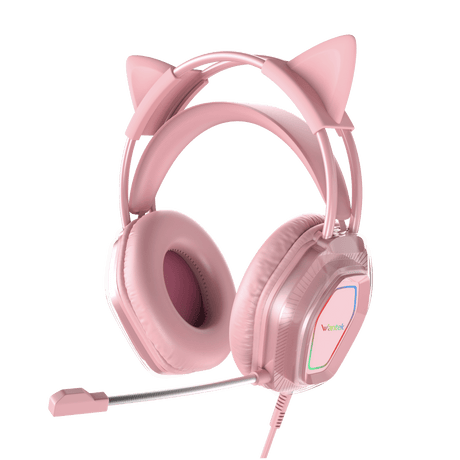
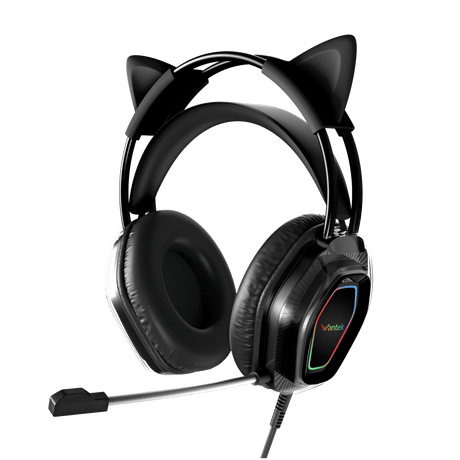
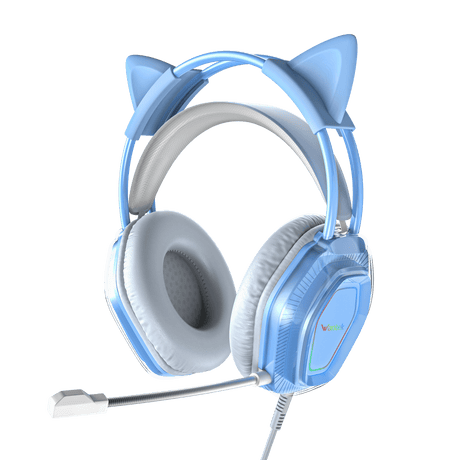
Wantek® V10 Cat Ear Gaming Headphones with LED Lights & Noise-Canceling Mic
In stock (29 units)Regular price $2500Unit priceUnavailable-
Wantek
Wantek® h600 3.5 mm jack headset with mic - Crystal Clear Calls for PC, Laptop & Phone
3.0 lb
In stock (189 units)Regular price $2600Unit priceUnavailable-
Voistek
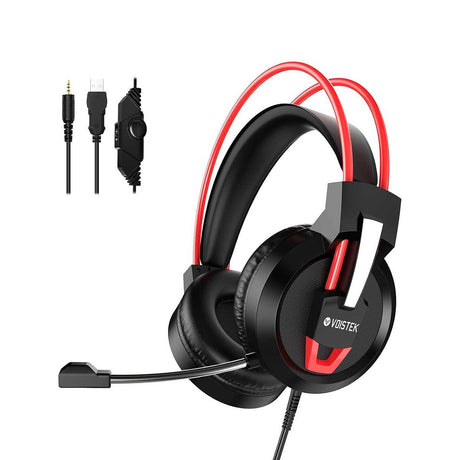
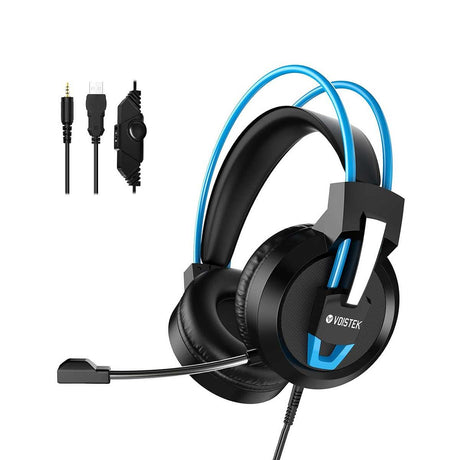
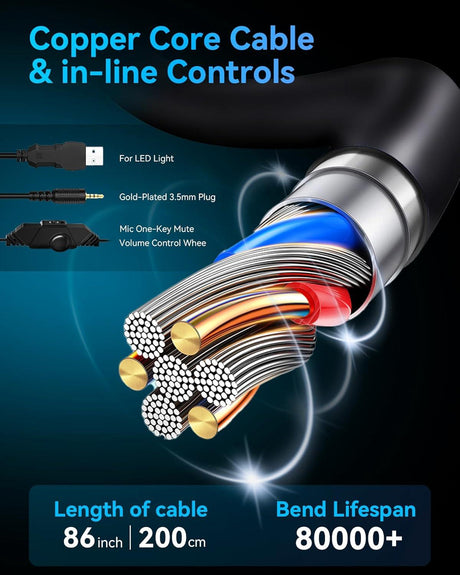
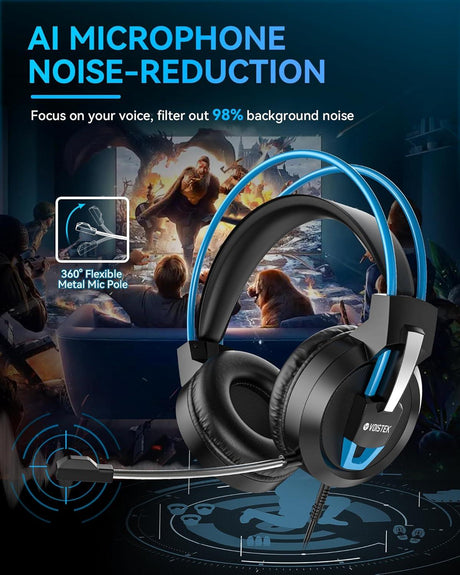
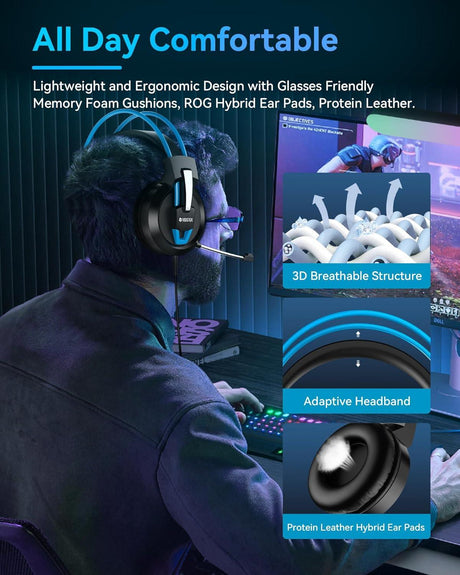
Voistek ™ V9 Pro Wired Headset Microphone for PC, PS5, Xbox & Laptop
In stock (1089 units)Regular price $3000Unit priceUnavailable-
- Sold out
Wantek
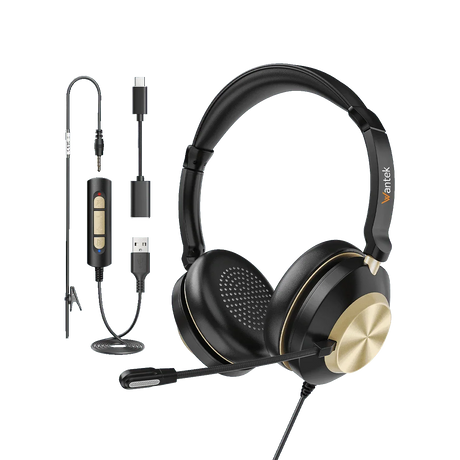
Wantek® h783 mono 3-in-1 USB Headsets with Microphone for Crystal-Clear Remote Work Calls
7.0 oz
Regular price $2900Unit priceUnavailable -
Wantek
Wantek® h602 Headphones with Mic and USB – Plug-and-Play for Calls & Remote Work
3.0 oz
In stock (400 units)Regular price $2800Unit priceUnavailable-
Wantek
Wantek® h881 mono 3-in-1 USB Noise Cancelling Headset – Ultimate Office & Home Solution
6.5 oz
In stock (495 units)Regular price $2800Unit priceUnavailable-
Wantek
Wantek® h602 3.5 mm Headset Microphone with Noise Cancellation – PC, Mac & Phone Compatible
3.0 oz
In stock (99 units)Regular price $2800Unit priceUnavailable-
Wantek
Wantek® h786 dual 3-in-1 Wired Headset USB – Professional Computer Headset for Zoom, Teams & Calls
In stock (497 units)Regular price $3000Unit priceUnavailable-
Wantek
Wantek® h600 The USB Headset with Mic That Made 12,347 Professionals Throw Away Their Old One
3.0 oz
In stock (99 units)Regular price $2600Unit priceUnavailable-










📊 The Stakes
According to Owl Labs' State of Remote Work research, roughly two-thirds of remote employees say poor audio has caused misunderstandings in meetings, and nearly 1 in 3 have lost a client, deal, or opportunity because of it. A USB headset with mic for PC is the lowest-cost fix for the highest-leverage communication problem in hybrid work.
🧭 At-a-Glance Comparison: All 10 USB Headsets with Mic for PC
| Model | Best For | Connection | Ear Style | Weight | Mic Style | Price | Rating |
|---|---|---|---|---|---|---|---|
| h882 ⭐ Best Seller | Teams/Zoom pros | USB-A + USB-C + 3.5mm | Stereo on-ear | 6.7 oz | Cardioid boom | $29 | 4.8 (164) |
| h881 | Home office | USB-A + USB-C + 3.5mm | Mono on-ear | 6.5 oz | Cardioid boom | $28 | 4.7 (100) |
| h786 | Call centers | USB-A + USB-C + 3.5mm | Dual over-ear | — | Noise-reducing boom | $30 | 4.7 (16) |
| h783 | Remote work | USB-A + USB-C + 3.5mm | Mono over-ear | 7.0 oz | Noise-reducing boom | $29 | 4.6 (15) |
| h682 | Budget dual | USB-A + USB-C + 3.5mm | Dual on-ear | 3.7 oz | Noise-reducing boom | $23 | 4.7 (105) |
| h681 💰 Cheapest | Entry level | USB-A + USB-C + 3.5mm | Mono on-ear | 3.7 oz | Noise-reducing boom | $22 | 4.7 (102) |
| h602 USB | Lightweight calls | USB-A | On-ear | 3.0 oz | Boom | $28 | 4.6 (13) |
| h600 USB | Call centers | USB-A | On-ear | 3.0 oz | Boom | $26 | 4.7 (21) |
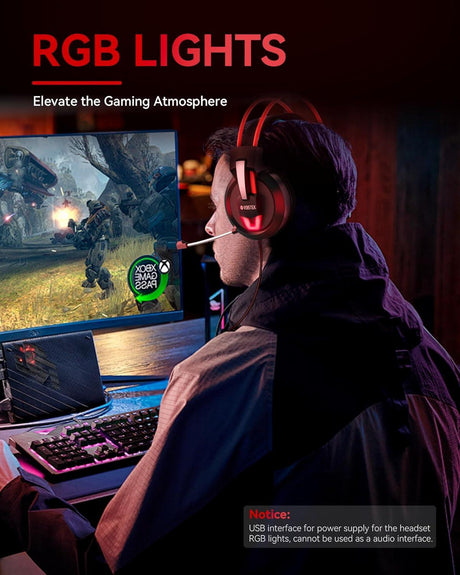
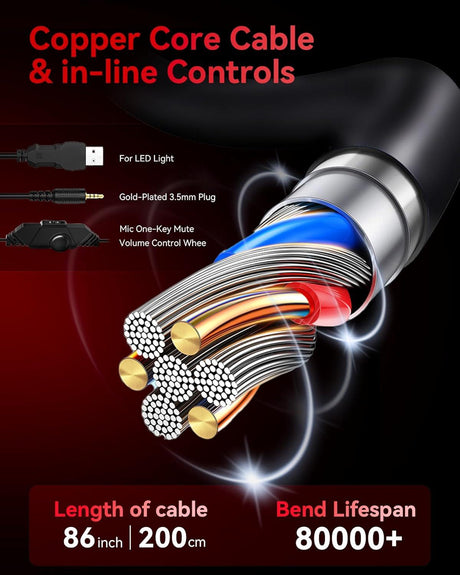
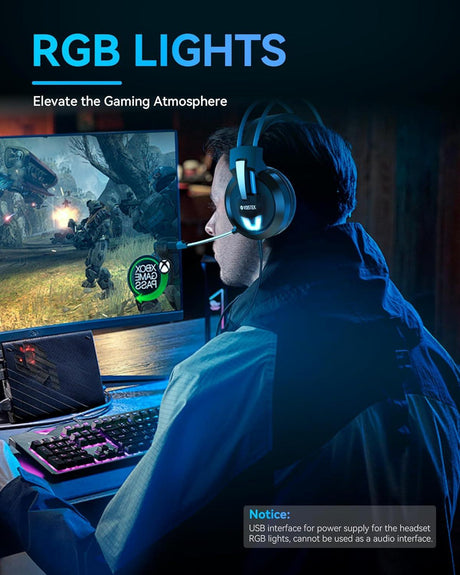
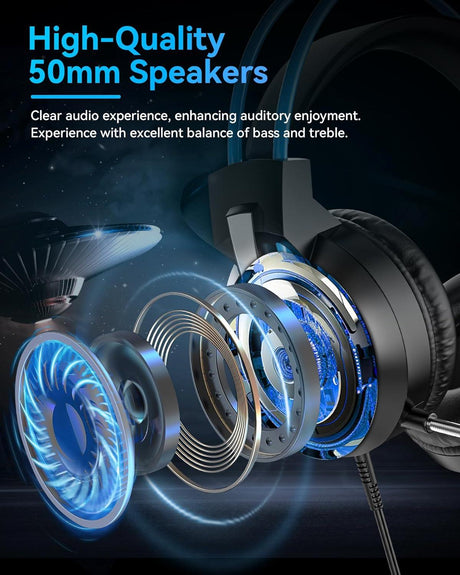
| V10 Cat Ear | RGB gamers | USB / 3.5mm | Over-ear | — | Flexible boom | $25 | 4.8 (30) |
| Voistek V9 Pro | Cross-platform gaming | USB / 3.5mm | Over-ear | — | Flexible boom | $30 | 4.7 (38) |
Updated monthly. Prices in USD. See full product details below.
🎯 60-Second Chooser: Which USB Headset with Mic for PC Is Right for You?
- Primarily Zoom / Teams / Google Meet → Wantek h882 — cardioid boom + inline mute, the model 164 pros already rated 4.8★.
- Call center, 6–8 hrs/day → h786 dual — over-ear passive isolation + 36-month warranty built for enterprise lifecycle.
- **Tight budget (< 25) →** **[h681 mono](#h681)** at 22 — still delivers a 3-in-1 connection and 4.7★ reviews.
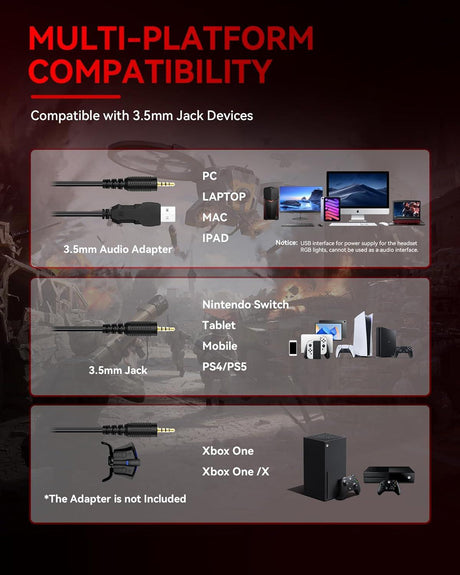
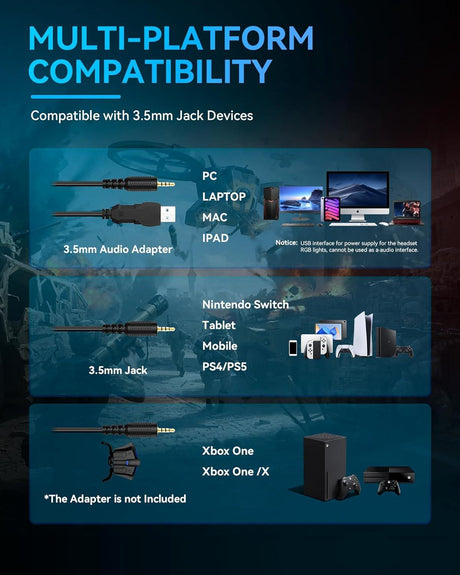
- PC + PS5 / Switch gaming → Voistek V9 Pro (cross-platform USB + 3.5mm). For Xbox Series X/S, use the 3.5mm cable into the controller.
- Lightest for travel/laptop → h602 USB at 3.0 oz — lighter than most phones.
- Online teaching / tutoring → h881 mono — one ear open for the room, clear boom for students.
🆚 USB vs. 3.5mm vs. Wireless — Which Connection Wins on PC?
| Factor | USB (our pick) | 3.5mm | Wireless (BT / 2.4G) |
|---|---|---|---|
| Plug-and-play on Windows/Mac | ✅ Yes | ✅ Yes | ⚠️ Pairing required |
| Built-in DAC (bypasses noisy PC sound card) | ✅ Yes | ❌ No | ✅ Yes |
| Stable connection under load | ✅ Yes | ✅ Yes | ⚠️ Dropouts possible |
| Works with Teams/Zoom out of the box | ✅ Yes | ⚠️ Varies | ⚠️ Varies |
| Battery required | ❌ No | ❌ No | ✅ Yes |
| Best for desk-based PC work | 🏆 Winner | Runner-up | Best only for mobility |
Verdict: For a desk-bound PC setup — calls, gaming, streaming, or teaching — a USB headset with mic for PC is objectively the best choice. It's the only option combining a built-in DAC, rock-solid wired reliability, no drivers, and zero charging.
Mono vs. Stereo — Quick Rule of Thumb
- Mono (single ear): Best for call centers, customer service, and teachers who need to hear the room. Models: h681, h881, h783, h600, h602.
- Stereo (dual ear): Best for Zoom focus, gaming, streaming, and podcasting — full immersion, directional audio. Models: h882, h682, h786, V10, V9 Pro.
🔬 What Makes a Great USB Headset with Mic for PC?
After analyzing thousands of customer reviews across our 10-model range, five factors consistently separate "fine" from "flawless":
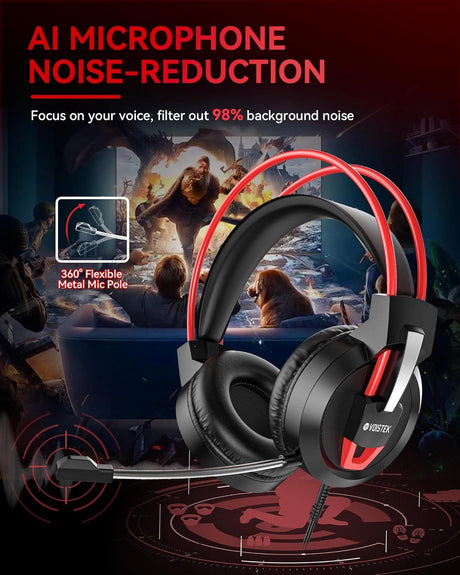
- Directional (cardioid) boom mic — rejects keyboard, fan, and room noise by design.
- Effective DSP noise reduction — marketed as TripleClear™ Voice Isolation on Wantek's h881/h882, combining cardioid pickup, DSP filtering, and foam wind/pop reduction.
- Plug-and-play USB-A + USB-C + 3.5mm (3-in-1) — one headset, every device. 8 of our 10 models are 3-in-1.
- Inline hardware mute & volume — physical controls reduce live-call mistakes vs. software-only toggles.
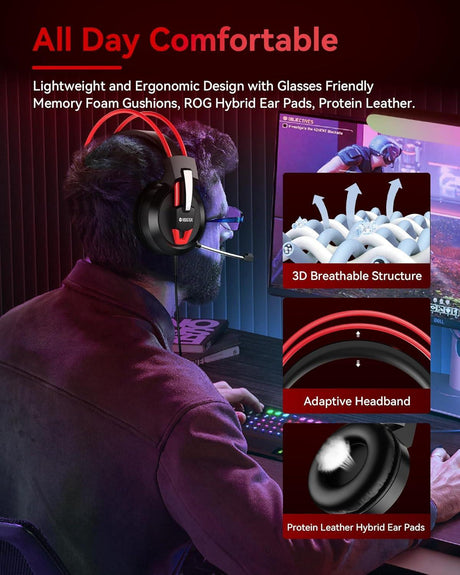
- Lightweight build + memory-foam cushions — the difference between "I forgot I was wearing it" and "I have a headache."
🏆 Top 3 Recommended USB Headsets with Mic for PC
🥇 #1 Best Overall — Wantek h882 Stereo 3-in-1 — $29 {#h882}
4.8★ · 164 verified reviews
- TripleClear™ cardioid boom mic
- USB-A + USB-C + 3.5mm (three cables in one)
- Memory-foam cushions, 6.7 oz
- Inline volume, mic mute, speaker mute + LED indicator
- Works with Teams, Zoom, Meet, Skype, Webex, Slack
- 36-month warranty · Free US/UK shipping
"I work from home and the noise cancellation is absolutely wonderful. Lightweight with a long cord to move around my desk." — Olivia W., verified buyer
🥈 #2 Best Value — Wantek h681 Mono 3-in-1 — $22 {#h681} · 4.7★ · 102 reviews — our cheapest USB headset with mic for PC.
🥉 #3 Best Gaming — Voistek V9 Pro Cross-Platform — $30 {#v9pro} · 4.7★ · 38 reviews — works on PC, PS5, Switch (docked), and Xbox Series X/S (via 3.5mm into controller).
🖥️ How to Set Up a USB Headset with Mic on PC (Windows & Mac)
Windows 10 / 11
- Plug the USB-A connector into your PC (or use USB-C on newer laptops). Windows auto-installs drivers in 5–10 seconds.
- Right-click the taskbar speaker icon → Sound settings → select "Wantek" as both Output and Input.
- Open Device Properties and set mic level to 75–85% to prevent clipping.
- Optional: enable System → Sound → Microphone → Voice Isolation (Windows 11) to stack with the hardware DSP.
- Inside Zoom/Teams/Discord, explicitly select "Wantek" — don't rely on "Default."
- Test under Settings → System → Sound → Test your microphone.
macOS (10.6+)
- Plug the headset in. No drivers needed.
- System Settings → Sound → select the headset under Output and Input.
- Confirm the headset is selected inside your meeting app.
Troubleshooting — mic not working? In order of frequency: (1) wrong default input in OS Sound Settings, (2) inline mute is on, (3) the app lacks mic permission (Windows Privacy → Microphone / macOS Privacy → Microphone), (4) the meeting app is still set to "Default." Check all four before assuming a hardware fault.
🔒 Why 10,000+ Professionals Trust Wantek
- ⭐ 4.7/5 average across 500+ verified reviews on this collection
- 🛡️ 36-month warranty (industry average: 12 months)
- 🚚 Free shipping across the US, UK, DE, FR, IT, ES
- 💰 30-day money-back returns
- 🏢 Deployed in call centers across healthcare, legal, telemedicine, and education
- 🎧 Designed for Teams, Zoom, Meet, Webex, Slack, and major softphones
Wantek does not claim formal Microsoft Teams, Zoom, or Webex certification unless independently listed on those platforms' certified-device registries. All models are tested for compatibility; verify current certification on each product page before enterprise purchase.
📚 Sources & Related Collections
- Microsoft Teams certified devices(opens in new tab) · Zoom certified hardware(opens in new tab)
- Related collections: All USB Headsets · Gaming Headsets with Mic · Call Center Headsets · Noise-Cancelling Office Headsets
- Support: Compatibility guide · Bulk/corporate orders · Contact support
Written by the Wantek Audio Engineering Team · Technical review by Marcus L., 18-year VoIP & call-center acoustics consultant · Last updated: 2026.5.6
Frequently Asked Questions
What is the best USB headset with mic for PC in 2026?
What is the best USB headset with mic for PC in 2026?
The Wantek h882 stereo 3-in-1 is our best-seller — 4.8★ from 164 verified buyers. It combines TripleClear™ noise reduction, triple connectivity (USB-A + USB-C + 3.5mm), and broad meeting-app compatibility for $29.
Is a USB headset with mic better than Bluetooth for PC?
Is a USB headset with mic better than Bluetooth for PC?
For desk-based PC use, yes. USB is wired (no dropouts), has a built-in DAC that bypasses the PC's noisy sound card, never needs charging, and works instantly without pairing. Bluetooth only wins if you need to walk away from your desk mid-call.
Are Wantek USB headsets plug-and-play on Windows 11?
Are Wantek USB headsets plug-and-play on Windows 11?
Yes. Every Wantek USB headset with mic for PC is plug-and-play on Windows 7/8/10/11, macOS 10.6+, Chrome OS, and Linux (ALSA). No driver installation, ever.
Can I use the same USB headset for PC work and gaming?
Can I use the same USB headset for PC work and gaming?
Absolutely. The h882 and Voistek V9 Pro deliver both call-center-grade mic clarity and low-latency stereo audio, so one headset replaces a separate office/gaming pair.
What's the cheapest USB headset with mic for PC that's still good?
What's the cheapest USB headset with mic for PC that's still good?
The Wantek h681 mono at $22 — 3-in-1 connectivity, 4.7★ from 102 buyers.
Do Wantek USB headsets work on PS5, Xbox, or Switch?
Do Wantek USB headsets work on PS5, Xbox, or Switch?
USB models work on PS5 and Switch (docked) natively. For Xbox Series X/S, use the included 3.5mm cable into the controller jack.
Why is my PC USB headset mic not working?
Why is my PC USB headset mic not working?
In order of frequency: (1) wrong default input in OS Sound Settings, (2) inline mute engaged, (3) app missing mic permission, (4) app set to "Default" audio. Check all four before assuming hardware failure.
Is USB-A or USB-C better for a PC headset?
Is USB-A or USB-C better for a PC headset?
It depends on your ports. USB-A is still the dominant desktop port; USB-C is standard on new laptops. A 3-in-1 headset (USB-A + USB-C + 3.5mm) future-proofs you across both.
Do I still need a standalone mic if my USB headset already has one?
Do I still need a standalone mic if my USB headset already has one?
For meetings, calls, classes, and most streaming, no — a cardioid boom mic 1 inch from your mouth outperforms almost any desk condenser placed 12+ inches away. Standalone mics only win for studio music or broadcast-grade podcasting.
What's the best wired USB headset for Microsoft Teams?
What's the best wired USB headset for Microsoft Teams?
The Wantek h882 and h881 are engineered specifically for Teams and Zoom workflows, with dedicated inline mute, Teams-friendly mic tuning, and no driver dependencies.
How long do Wantek USB PC headsets last?
How long do Wantek USB PC headsets last?
With normal 6–8 hrs/day use, Wantek USB PC headsets are rated for 3+ years and backed by a 36-month warranty.
Are USB headsets good for gaming on PC?
Are USB headsets good for gaming on PC?
Yes — USB headsets use a built-in DAC that often sounds cleaner than a budget PC's onboard audio, with negligible latency. For competitive gaming on PC + console, choose a cross-platform model like the V9 Pro.
